
Maintaining your elliptical ensures smooth, reliable workouts. Fitness Superstore’s technician advice highlights simple fixes for consistent performance, extending the life of your machine.
What is an Elliptical and Why Regular Maintenance Matters
Ellipticals are low-impact cardio machines simulating stair climbing or cross-country skiing, offering a full-body workout. They combine arm and leg movements for efficient calorie burning and muscle engagement. However, consistent use leads to wear and tear, impacting performance and longevity.
Regular maintenance is crucial. Ignoring issues can escalate minor problems into costly repairs or even machine failure. Proactive care, as advised by fitness equipment technicians, ensures smooth operation, prevents injuries, and maximizes your investment. Simple checks and upkeep, detailed in resources like Fitness Superstore’s guides, keep your elliptical running optimally.
Tools You’ll Need for Elliptical Repair
Basic elliptical maintenance requires a modest toolkit. Essential items include a set of Allen wrenches (metric and standard) to tighten bolts and adjust components. A Phillips and flathead screwdriver are also vital for console access and part replacement. Lubricant, specifically silicone-based, is crucial for smooth operation and noise reduction, preventing wear on moving parts.
For more complex repairs, consider a torque wrench to ensure proper tightening, avoiding damage. A multimeter is helpful for diagnosing electrical issues within the console. Finally, having replacement parts on hand – like belts or rollers – can expedite fixes. Fitness Superstore’s advice emphasizes preparation for efficient troubleshooting.
Common Elliptical Problems & Solutions
Addressing issues promptly keeps your elliptical running optimally. Simple fixes, detailed by technicians, resolve noise, resistance, display, and stride problems efficiently.
Problem 1: Excessive Noise During Use
Unusual sounds during your elliptical workout can be concerning, but often easily addressed. Identifying the type of noise is the first step; squeaks often indicate friction, grinds suggest bearing issues, and clicks might point to loose joints. Fitness Superstore’s advice emphasizes a systematic approach to pinpointing the source. Begin by carefully listening while using the machine at different resistance levels.
Once localized, the most common fix involves tightening loose bolts and parts. Regularly check all connections, especially around the pedals, flywheel, and console supports. A properly tightened elliptical is a quieter elliptical. Don’t overtighten, as this can damage components. If the noise persists after tightening, further investigation may be needed.
Identifying the Source of the Noise (Squeaks, Grinds, Clicks)
Pinpointing the origin of elliptical noise is crucial for effective repair. Squeaks frequently stem from friction points – often the pedal arms or where the rails glide. Grinding sounds usually indicate worn bearings within the flywheel or resistance mechanism, demanding immediate attention. Clicks can signify loose joints, bolts, or even issues with the stride linkage.
A methodical approach is key. While operating the elliptical, carefully listen and try to isolate the area where the sound originates. Gently press on different components to see if the noise changes or disappears. Fitness Superstore suggests noting when the noise occurs – during specific parts of the stride, at certain resistance levels, or consistently throughout the workout.
Tightening Loose Bolts and Parts
Loose fasteners are a common cause of elliptical noises and instability. Begin by systematically inspecting all bolts and screws, focusing on areas like the pedal arms, console supports, and the base frame. Use the correct size wrench or Allen key to avoid stripping the bolt heads.
Tighten any loose connections, but avoid over-tightening, which can damage threads or components. Fitness Superstore advises checking bolts regularly as part of preventative maintenance. Pay close attention to areas experiencing high stress or movement. If a bolt feels stripped or damaged, replace it immediately with a matching size and grade. A secure elliptical is a safe and enjoyable elliptical!
Problem 2: Resistance Issues
Fluctuating or unresponsive resistance significantly impacts workout effectiveness. Common issues include the resistance not changing, feeling stuck at a certain level, or slipping unexpectedly. These problems often stem from the resistance mechanism itself, which can involve felt pads, magnetic systems, or electronic controls.
Fitness Superstore’s troubleshooting guide emphasizes a methodical approach. First, visually inspect the resistance knob or buttons for damage. Then, examine the mechanism for obstructions or wear. Regular maintenance, including cleaning and lubrication, can prevent many resistance problems. If issues persist, further investigation and potential component replacement may be necessary to restore proper function.

Resistance Not Changing or Stuck
A non-responsive resistance system hinders effective interval training and overall workout intensity. If the resistance level fails to adjust when selected, or feels completely stuck, begin by verifying the console’s power supply and ensuring proper connection. Next, manually check the resistance mechanism for any visible obstructions like debris or corrosion.
Fitness Superstore advises inspecting the cable connecting the resistance control to the braking system. A damaged or disconnected cable can prevent adjustments. For magnetic resistance systems, examine the magnets for proper alignment and function. Consistent cleaning and lubrication, as outlined in the elliptical’s manual, are crucial preventative measures.
Checking and Adjusting the Resistance Mechanism
Carefully inspect the resistance mechanism, referencing your elliptical’s manual for specific component locations. For friction-based systems, ensure the brake pad isn’t excessively worn and is making firm contact with the flywheel. Adjust the tension knob, if applicable, to fine-tune the resistance level. Magnetic systems require checking the magnet’s proximity to the flywheel; adjust according to the manual’s instructions;
Fitness Superstore suggests lubricating moving parts within the resistance system to reduce friction and ensure smooth operation. If adjustments don’t resolve the issue, examine the control cable for damage or disconnection. A professional technician may be needed for complex repairs or recalibration.
Problem 3: Display/Console Malfunctions
A malfunctioning display or console can disrupt your workout experience. Begin by verifying the power connection – ensure the elliptical is properly plugged in and the outlet is functioning. Consult your elliptical’s manual for specific reset procedures; often, a power cycle (unplugging for several minutes) can resolve minor glitches. Check for loose cables connecting the console to the main board.
If the display remains blank or distorted, the console itself may require replacement. Fitness Superstore advises that attempting repairs without proper knowledge can cause further damage; consider professional assistance for complex electronic issues.
Power Supply Problems and Resetting the Console
Addressing power issues is the first step in console troubleshooting. Verify the power cord is securely connected to both the elliptical and a working outlet. Test the outlet with another device to confirm it’s providing power. Consult your elliptical’s manual for fuse locations and replacement instructions, if applicable. A tripped circuit breaker could also be the culprit.
For minor console freezes, a reset is often effective. Unplug the elliptical from the power outlet for at least five minutes, then plug it back in. This allows the console to fully discharge and reboot. Refer to your manual for specific reset button locations, if available.
Replacing the Console or Display Screen
If resetting fails, console or display replacement may be necessary. This is a more complex repair, often best left to a qualified technician. First, consult your elliptical’s manual for specific part numbers and diagrams. Disconnect the power completely before attempting any disassembly. Carefully remove the console housing, noting the wiring connections.
When installing a new console or screen, ensure it’s compatible with your elliptical model. Reconnect all wires precisely as they were before, referencing photos if needed. Secure the console housing and test the new display. Improper installation can cause further damage, so proceed cautiously and consult a professional if unsure.
Problem 4: Stride Length Adjustment Problems
Difficulty adjusting stride length can hinder workout effectiveness. Begin by referencing your elliptical’s manual for the correct adjustment mechanism location and procedure. Often, a simple obstruction prevents smooth movement; inspect the stride rail for debris or misplaced components. If the adjustment feels stiff, lubrication is key – apply a silicone-based lubricant to the stride rail components, avoiding excessive amounts.
Ensure the locking mechanism, if present, is functioning correctly. A worn or damaged rail can also cause issues, requiring replacement. Always test the adjustment range after lubrication or inspection to confirm proper functionality.
Difficulty Adjusting Stride Length
Encountering resistance when changing stride length is common. First, consult your elliptical’s manual to understand the specific adjustment system. A common cause is accumulated dust or debris obstructing the stride rail’s movement. Carefully clean the rail and surrounding area, ensuring no foreign objects impede the sliding mechanism. If the issue persists, check for any visible damage to the rail or adjustment knob/levers.
Ensure the adjustment mechanism isn’t overly tightened or stripped. Applying a small amount of silicone lubricant can sometimes resolve stiffness, but avoid over-lubrication.
Lubricating and Inspecting Stride Rail Components
Regular lubrication is vital for smooth stride adjustments. Refer to your elliptical’s manual for recommended lubricant types – silicone-based lubricants are generally preferred. Apply sparingly along the entire length of the stride rail, avoiding excessive buildup. After lubricating, cycle through the full range of stride lengths several times to distribute the lubricant evenly.
During lubrication, meticulously inspect the rails for cracks, bends, or signs of wear. Check the rollers or wheels that travel along the rails for smooth operation and damage. Replace any worn components immediately to prevent further issues and maintain optimal performance.
Problem 5: Elliptical Feels Jerky or Unsmooth
A jerky or unsmooth feel often indicates friction within the moving parts. Consult your elliptical’s manual for specific lubrication points, focusing on the stride rails and pivot joints. Apply a silicone-based lubricant, avoiding oil-based products that attract dust. After lubrication, test the elliptical through its full range of motion, observing for improvement.
If lubrication doesn’t resolve the issue, inspect components for wear or damage. Check the drive mechanism, flywheel, and any connecting rods. Worn bushings or bearings can cause significant friction. Refer to the manual for replacement procedures or consider professional assistance.
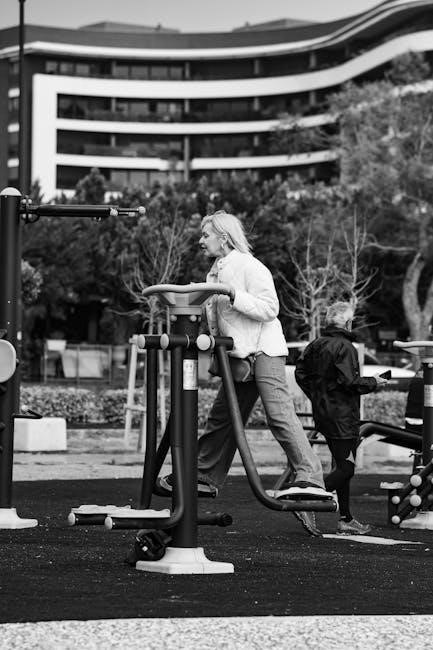
Lubricating Moving Parts (Rails, Joints)
Proper lubrication is crucial for a smooth elliptical experience. Your elliptical manual will detail specific lubrication points, typically along the stride rails, at pivot joints, and within the resistance mechanism. Always use a silicone-based lubricant; avoid oil-based products as they collect dust and grime. Apply sparingly, wiping away any excess to prevent buildup.
Regular lubrication reduces friction, minimizing wear and tear on components. Focus on areas where metal surfaces slide against each other. Consistent lubrication, as outlined in your manual, will significantly improve the elliptical’s performance and extend its lifespan, ensuring a quiet and efficient workout.
Checking for Worn or Damaged Components
Regular inspection is key to identifying potential issues. Your elliptical manual will illustrate component locations for thorough checks. Examine the stride rails for cracks or bends, and inspect pivot points for excessive play. Look closely at the resistance mechanism for signs of wear, like frayed cables or damaged pads.
Pay attention to any loose bolts or screws, tightening them as needed. Worn components can cause jerky movements or unusual noises. Addressing these issues promptly, guided by your manual, prevents further damage and ensures safe, effective workouts. Replace damaged parts immediately to maintain optimal performance.

Preventative Maintenance
Consult your elliptical manual for a tailored schedule. Consistent cleaning, lubrication, and inspections, as outlined, will prevent issues and prolong machine life.
Regular Cleaning Schedule
Establishing a routine cleaning schedule is paramount for elliptical longevity. Your elliptical manual will detail specific recommendations, but a general guideline is to wipe down the console and handlebars after each use with a damp, non-abrasive cloth. This removes sweat and prevents grime buildup.
Weekly, vacuum around and under the elliptical to eliminate dust accumulation, which can impact moving parts. Monthly, thoroughly inspect the stride rail and other accessible areas, cleaning with a mild detergent solution if necessary. Avoid harsh chemicals that could damage the finish or electronic components.
Pay close attention to areas prone to sweat and dust collection. A clean elliptical not only functions better but also provides a more hygienic workout experience. Refer to your manual for specific cleaning product recommendations to avoid voiding any warranties.
Lubrication Best Practices
Proper lubrication is crucial for a smooth and quiet elliptical experience. Your elliptical manual will specify recommended lubricants and application points – typically the stride rail and pivot points. Avoid using WD-40, as it attracts dust and can worsen friction over time. Instead, opt for silicone-based lubricants designed for fitness equipment.
Apply lubricant sparingly, wiping away any excess to prevent buildup. Over-lubrication can attract dirt and grime. A general guideline is to lubricate the stride rail every month with moderate use, or more frequently with heavier usage.
Regular lubrication minimizes friction, reduces wear and tear on components, and ensures a consistent, comfortable workout. Always consult your manual for specific instructions and safety precautions regarding lubrication.
Inspection Checklist for Potential Issues
Regularly inspecting your elliptical can prevent minor issues from becoming major repairs. Your elliptical manual likely includes a checklist, but a good starting point involves visually examining all bolts and screws for tightness. Check the stride rail for any cracks or damage, and ensure smooth movement throughout the entire range of motion.
Listen for unusual noises – squeaks, grinding, or clicking sounds can indicate a problem. Inspect the resistance mechanism for proper function and any signs of wear. Finally, verify the console displays correctly and responds to inputs.
Proactive inspection, guided by your manual, helps identify potential problems early, saving you time and money on costly repairs and ensuring a safe, effective workout experience.
Advanced Troubleshooting
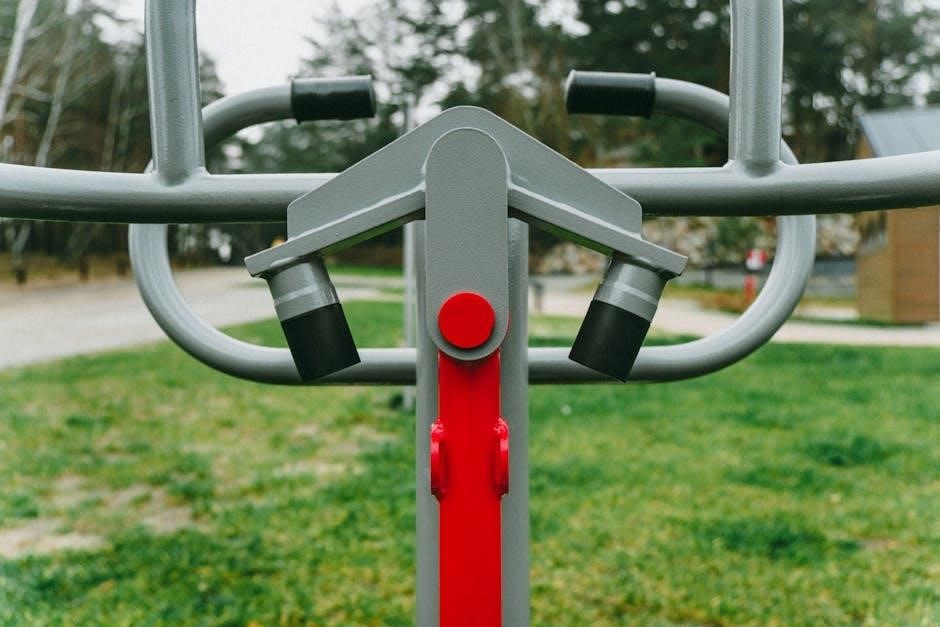
Complex issues may require specialized knowledge. Consult your elliptical manual for detailed diagrams and error codes, or seek a qualified technician’s expertise.
Diagnosing Electronic Component Failures
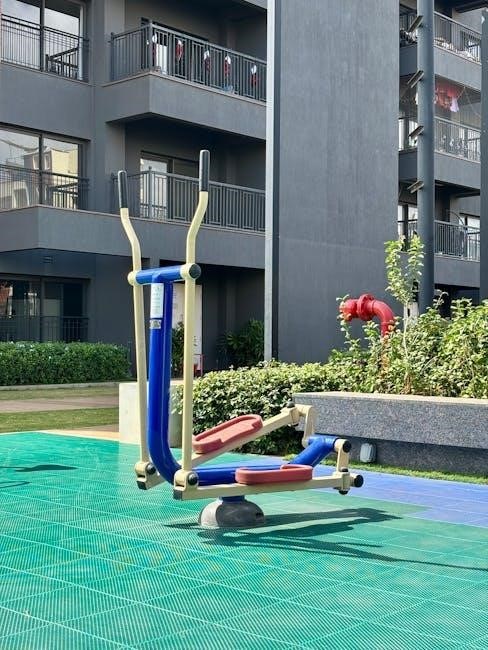
Identifying electronic failures often begins with the console. Refer to your elliptical’s manual for specific error codes displayed, as these pinpoint potential issues within the system. A lack of power, despite a functioning outlet, suggests a problem with the power supply or internal wiring – carefully inspect these components.
Further diagnosis might involve testing the console’s circuit board, but this requires specialized tools and knowledge. If the display is malfunctioning, check connections before assuming a screen replacement is necessary. Always disconnect the power before attempting any internal inspection. The manual will often detail testing procedures for sensors and other electronic parts. When in doubt, professional assistance is crucial to avoid further damage or safety hazards.
When to Call a Professional Technician
Despite diligent troubleshooting, some issues demand expert attention. Your elliptical manual will likely outline limitations for user repairs, and attempting complex fixes beyond your skill level can cause further damage. If you encounter significant electronic failures, particularly involving the console’s circuit board, a technician is essential.
Similarly, structural problems like cracks in the frame or severe bearing damage require professional welding or component replacement. Don’t hesitate to call a technician if you’re uncomfortable disassembling parts or lack the necessary tools. Ignoring warning signs or attempting unsafe repairs can void your warranty and create safety hazards. Prioritize safety and consult a qualified technician for complex repairs.